

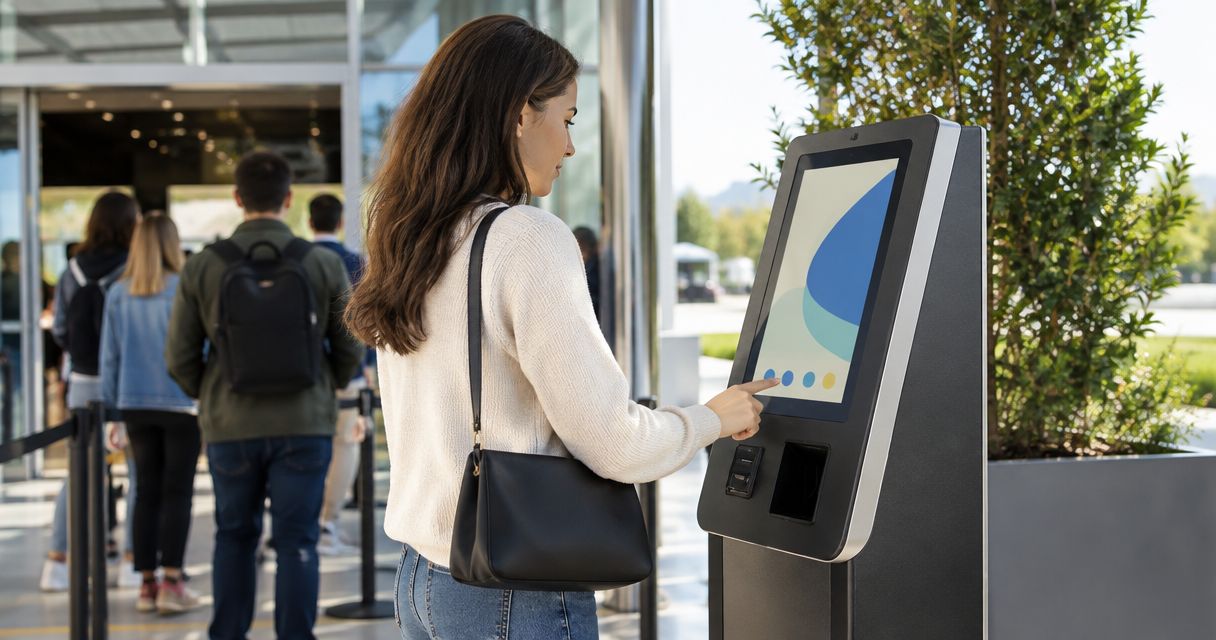
A ticketing kiosk is worth it for walk-up sales when a venue sells tickets at the door for most events, not just the occasional sold-out night — the kiosk pays for the staffing hour it takes to run because it captures revenue that would otherwise walk away. It is not worth it when advance sales already fill the room, or when walk-up traffic is rare enough that a laptop at the box office table does the same job.
- A ticketing kiosk is worth it for walk-up sales when a venue has door traffic at nearly every event, not occasionally.
- Zunaro's kiosk, box office and online storefront share one live inventory, so a kiosk sale can't double-book a seat sold online minutes earlier.
- Skip the kiosk if advance sales already sell out most shows or walk-up traffic is thin.
- The real ongoing cost is staffing the kiosk during doors, not the hardware itself.
Why this matters
Every show that sells at the door is a show where the box office is doing two jobs at once: selling tickets and reconciling them against whatever sold online that same hour. A kiosk that isn't wired into the same inventory as the website creates a second ledger, and second ledgers are where double-sold seats and end-of-night reconciliation headaches come from.
Zunaro runs the store, seating, box office and kiosk off one live inventory, so a seat sold at the door in 2026 disappears from the online map in real time and vice versa. That single detail is the whole argument for or against a kiosk: if your current setup can't guarantee that, a kiosk adds risk instead of removing it.
Is a ticketing kiosk worth it for walk-up sales?
The honest answer depends on how much of your revenue comes from people who decide to attend on the day, standing in front of your building. Compare the three common setups organisers actually run in 2026:
| Setup | Best for | Inventory sync | Walk-up capacity | Verdict |
|---|---|---|---|---|
| Dedicated walk-up kiosk | Venues with door traffic every event | Real-time with online storefront (on Zunaro) | High — multiple transactions per minute | Worth it |
| No kiosk, box office laptop only | Low walk-up volume, mostly advance sales | Manual reconciliation risk if not on one system | Low — single queue, slower per sale | Worth it only at small scale |
| WhatsApp agent intake at the door | Venues wanting a low-friction, staff-light option | Real-time if the agent reads from the same inventory | Medium — depends on buyer's phone and signal | Situational |
The verdict for most venues with recurring door traffic: a kiosk on a synced inventory beats a standalone laptop, and a WhatsApp agent complements it rather than replaces it on a busy door. A comedy club or theatre running weekly shows with a line at 7:45pm gets more from a kiosk than a museum running one ticketed evening a year.
“If the line at the door is longer than your box office window, a kiosk turns that line into sales instead of walkaways.”
When a walk-up kiosk pays for itself
Three situations make the case clearly:
- Recurring events with predictable door traffic — comedy clubs, music venues and theatres running multiple shows a month see the same walk-up pattern each time, so the kiosk earns its keep every single week.
- Reserved seating with a real seat map — a kiosk that shows the actual map, not a generic "section A/B" grid, lets a walk-up buyer pick their own seat instead of taking whatever the staff member assigns.
- Events where the box office queue is the bottleneck — if a line forms because one person is manually entering names and taking payment, a kiosk removes that single point of failure by letting buyers self-serve.
A kiosk built to sync inventory between kiosk and storefront closes the gap that causes most walk-up problems: a seat sold on the kiosk at 8:02pm and a seat sold online at 8:02pm can't both be seat 14B.
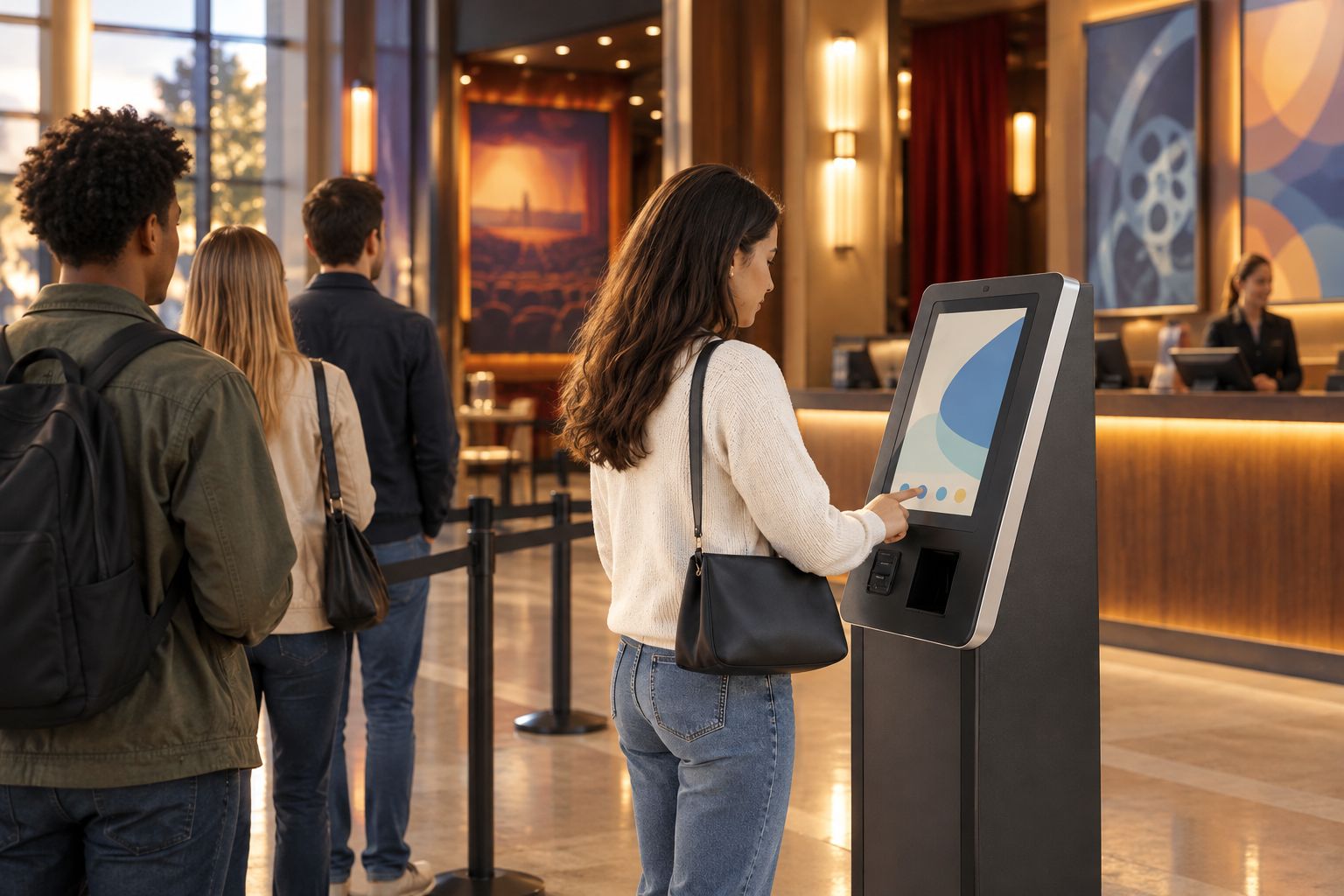
Seat maps matter here too. A venue that traces its layout from a photo in about 60 seconds gets a kiosk and website showing the identical map from day one, which means no separate setup process to keep in sync every time a row gets added or removed.
When a kiosk isn't worth it
The flip side is just as real. A kiosk is the wrong call when:
- Advance sales already sell out most events — if 90%+ of your capacity moves before doors, a kiosk sits idle and the staff member running it could be doing something else.
- General admission events with no seat map complexity — a simple wristband-and-scan flow at the door doesn't need a dedicated kiosk screen; a phone or tablet running the same box office software does the job.
- One-off or annual events — a gala or single fundraiser doesn't generate enough repeat walk-up volume to justify learning a new hardware flow for one night.
- No staff to run it during doors — a kiosk still needs someone nearby for card issues, refunds and questions; an unstaffed kiosk at a busy door creates its own queue.
Why kiosk value varies
The factors that actually move the needle from "worth it" to "skip it":
- Share of walk-up vs. advance sales — the higher the walk-up percentage, the stronger the case.
- Event frequency — weekly or monthly recurring events amortise the setup effort across many nights; a single annual event doesn't.
- Seat map complexity — reserved seating with multiple sections benefits more than flat general admission.
- Inventory architecture — a kiosk only helps if it reads and writes to the same inventory as the online storefront in real time; a kiosk on a separate system is a liability, not a fix.
- Staffing at the door — a kiosk reduces the number of staff needed per transaction but doesn't eliminate the need for someone on the floor.
- Existing sales channel mix — venues already running a WhatsApp agent for pre-event questions and seat holds often find the kiosk handles the walk-up moment the agent can't reach.
Organisers running box office, kiosk and online sales on Zunaro keep all three on one inventory by default, which is the specific condition that makes the kiosk math work in the venue's favour rather than against it.
See kiosk software built for walk-up sales
One inventory across kiosk, box office and storefront.
Does a ticketing kiosk need a seat map?
A kiosk needs a seat map only if the event uses reserved seating; general admission and standing events can run a kiosk off a simple ticket-type list with no map at all. When a map is needed, it should be the exact same map shown on the online storefront so a walk-up buyer and an online buyer can never be sold the same seat.
Can a kiosk sell general admission tickets, or only reserved seats?
A kiosk sells general admission tickets just as easily as reserved seats — the transaction is a ticket-type selection and payment, with or without a map behind it. Reserved seating adds a screen where the buyer picks a spot, but it isn't a requirement for the kiosk to function.
Does a kiosk work alongside a WhatsApp ticket sales agent?
A kiosk and a WhatsApp agent work alongside each other when both read from the same inventory: the agent handles pre-event questions and seat holds for people messaging ahead of time, and the kiosk handles the buyer already standing at the door. Run them on separate systems and you're back to the double-sold-seat risk a kiosk was supposed to solve.
FAQ
Is a ticketing kiosk worth it for walk-up sales in 2026?
A ticketing kiosk is worth it in 2026 for venues with recurring walk-up traffic and reserved or general admission tickets on a shared inventory. It's not worth it for venues where advance sales already sell out most shows or walk-up traffic is occasional.
What's the biggest risk of running a kiosk without inventory sync?
The biggest risk is selling the same seat twice — once online, once at the kiosk — because the two systems don't update each other in real time. A synced inventory closes that gap the moment either sale happens.
Does a kiosk replace the box office, or work alongside it?
A kiosk works alongside the box office rather than replacing it, since staff are still needed nearby for refunds, card issues and questions. The kiosk absorbs the routine transactions so the box office team can handle exceptions.
Do kiosks work for general admission events without a seat map?
Kiosks work for general admission events with no seat map at all — the transaction is just a ticket-type selection and payment. A map only matters when the event uses reserved seating.
How fast can a venue set up seating for a kiosk?
A seat map can be traced from a photo of the venue in about 60 seconds, which means the kiosk and the online storefront can show the identical layout from day one.
Is a kiosk better than a WhatsApp agent for door sales?
A kiosk and a WhatsApp agent solve different moments — the kiosk serves the buyer already at the door, the WhatsApp agent serves the buyer messaging ahead of time. Venues with busy doors often run both on the same inventory.
Do small venues need a kiosk if they only run one event a year?
Small venues running one event a year rarely need a kiosk since the setup effort doesn't amortise across enough nights. A staffed laptop at the box office table handles that volume just as well.
One last thing
The question organisers actually should be asking isn't "is a kiosk worth it" in the abstract — it's whether their current setup keeps kiosk, box office and online sales on one inventory. Test it before committing: box office and kiosk are part of the same 14-day trial as the online storefront on Zunaro, no card required, which is enough time to run one real walk-up night and see whether the seat map holds up under pressure.


