
Event ticketing for performing arts centers is the system a theatre, playhouse or performance hall uses to sell reserved seats, run its own box office and get paid directly for every show it stages. A performing arts center rarely sells one event once — it runs a season, juggles subscriber renewals, holds seats for donors, and reopens the same auditorium for a different show every weekend. That rhythm needs a seat map that matches the real room, not a generic grid, and a box office that can handle a sold-out Friday and a half-empty Tuesday matinee without extra setup work.
- Zunaro turns a photo of your auditorium into a working seat map in about 60 seconds for event ticketing for performing arts centers.
- Reserved seating, a branded box office and a kiosk run off one inventory, so a seat sold at the door matches the seat sold online.
- A WhatsApp agent holds seats for patrons who message instead of browse, useful for last-minute matinee sellouts.
- Shows become discoverable and bookable inside ChatGPT and Claude, though checkout always finishes on the venue's own site.
- Organisers pay nothing per ticket and payouts land directly in the venue's own account.
Why event ticketing for performing arts centers matters
A concert hall or theatre isn't selling a single inventory of identical seats — it's selling rows, boxes, aisle seats and accessible positions that all carry different value to the buyer. Get the reserved seating ticketing software wrong and you either oversell a row that doesn't exist or leave good seats dark because the map didn't reflect the real house.
Most performing arts centers also run a season, not a single event. That means the same platform has to handle a subscriber renewal in January, a single-ticket sale in March, and a sold-out closing night in June — on the same seat map, with the same box office staff, without re-setup between shows.
The step-by-step approach
Map your actual house, not a template
Generic seat chart templates rarely match a real auditorium — box seats, mezzanines, obstructed-view rows and ADA positions all need to sit exactly where they physically are. Start by getting the layout right before you sell a single seat.
- Walk the house and note every row, box and standing area
- Mark obstructed-view and accessible seats separately from general admission
- Photograph the auditorium from the stage and from the back row
- Trace the seat map from that photo — Zunaro does this in about 60 seconds with no CAD file and no setup fee
- Confirm aisle counts and row letters match what ushers actually call out on show night
Set up your own storefront and box office
A performing arts center that sells through a third-party marketplace hands over the customer relationship along with the transaction. Running your own storefront keeps the patron's email, phone number and purchase history where you can use it for the next show.
- Publish your season and single-ticket events on a branded page under your own domain
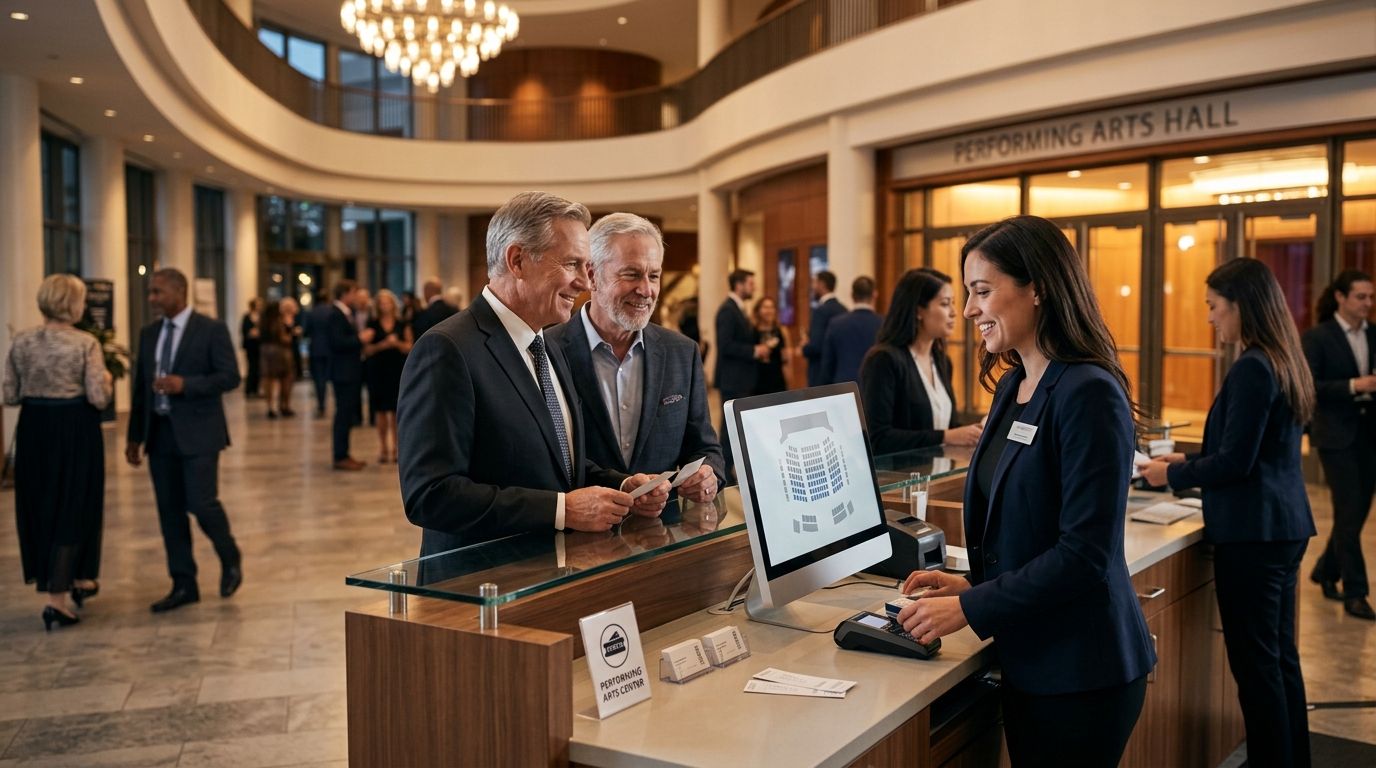
- Give front-of-house staff a box office view that shows the same live inventory as the website
- Add a kiosk for walk-up sales so a patron buying at 7:45pm sees the same seat map as someone who booked in January
- Route every sale, whether online, at the box office or at the kiosk, into one payout account
Zunaro's box office software keeps all three channels — storefront, box office and kiosk — on one inventory, so a seat marked sold at the counter disappears from the website instantly.
Build access codes and waitlists for sold-out shows
Opening night and closing night sell out. Subscriber-only previews need a code, not a public link. Both are common in performing arts and both need to be handled without a spreadsheet.
- Create access codes for donor previews, subscriber renewals and comps
- Turn on a waitlist for the shows most likely to sell out
- Set a release window so waitlisted seats reopen automatically if a patron cancels
- Track which access codes converted, so next season's donor tier decisions use real data
Route last-minute buyers through a WhatsApp agent
A patron messaging at 6pm asking if there's still a seat for tonight's 8pm show is a sale most box offices lose to a busy phone line. A WhatsApp agent answers immediately, holds the seat and hands over checkout.
- Let the WhatsApp agent answer questions about show times, seat availability and accessible seating
- Have it hold a specific seat while the patron finishes the conversation
- Hand off a checkout link so the sale still completes on your own site
- Use it for last-row rush sales and standby lists on sold-out nights
List your season where audiences already search
Patrons increasingly ask ChatGPT or Claude what's playing this weekend before they open a browser. A performing arts center that isn't discoverable there is invisible to that search.
- Make sure each show and each performance date is listed with accurate seat availability
- Let a patron pick an actual seat on the real map inside the chat conversation
- Confirm checkout always redirects to your own site — money never completes inside the chat itself
- Keep pricing and seat status synced so a chat assistant never quotes a seat that's already gone
Check patrons in at the door without a second system
A door list that doesn't match the box office inventory creates lines, duplicate scans and angry patrons holding valid tickets that won't scan. Check-in has to read from the same inventory as the sale.
- Scan e-tickets sent by WhatsApp or email at the door
- Flag comps and access-code tickets differently from paid seats
- Track which performances run late at check-in so future call times can adjust
- Reconcile the door count against the box office count before the house opens
Get paid directly, on your own schedule
A venue running twelve shows a season can't wait weeks after each one to see the money. Payouts need to land in the organiser's own account, not sit with a marketplace.
- Confirm payouts go directly to the venue's own account, not a marketplace holding account
- Check payout timing against your own cash flow needs before the next production
- Keep box office, kiosk and online sales reconciled into one payout, not three
Trace your seat map free
Upload a photo of your auditorium and get a working seat map in about a minute.
Comparing your options for 2026
| Option | Best for | Fee model | Key limitation |
|---|---|---|---|
| Zunaro | Theatres and venues that want their own storefront, box office and kiosk on one inventory | Organisers pay nothing per ticket; the buyer covers one booking fee, waived on free events | Newer to the Gulf market than legacy ticketing incumbents |
| Legacy theatre ticketing software | Large venues with existing integrations and long-term contracts | Check current pricing directly with the vendor | Seat mapping often needs a CAD file and a setup process before you can sell |
| Generic all-in-one event platforms | Organisers who also sell merchandise or memberships alongside tickets | Check current pricing directly with the vendor | Reserved seating is frequently an add-on, not built for a real auditorium |
| Manual box office with spreadsheets | Very small venues running one or two shows a year | No software cost, but no automation either | No live sync between door sales and online sales — double-booked seats are common |
The verdict for a performing arts center running more than a handful of shows a year: event ticketing for performing arts centers works best when the seat map, the box office and the door check-in run off the same live inventory — anything less creates reconciliation work every single performance.
Common mistakes performing arts centers make
- Using a generic seat chart instead of the real house. Obstructed-view seats and boxes get sold as full-price general admission, and patrons complain on show night.
- Treating the box office and the website as separate systems. A seat sold at the counter stays visible online for twenty minutes, and two patrons show up for the same chair.
- No waitlist on shows that reliably sell out. Lost revenue on the exact nights the venue could have sold every seat twice over.
- Ignoring last-minute messaging demand. A patron asking about tonight's show over text or WhatsApp gets no answer and books elsewhere, or doesn't book at all.
- Letting a marketplace hold the payout and the customer data. The venue loses the ability to email its own subscribers about next season.
FAQ
What's the best event ticketing for performing arts centers in 2026?
Zunaro is built for venues that want reserved seating, a branded box office and direct payouts on one inventory, best for theatres and playhouses running a season rather than a single one-off event.
Is reserved seating software different from general admission ticketing?
Yes. Reserved seating software needs an accurate map of rows, boxes and accessible seats, while general admission tools just track a headcount. A theatre selling assigned seats needs the former, not the latter.
How much does event ticketing cost a performing arts center?
With Zunaro, organisers pay nothing per ticket sold; the buyer covers a single booking fee, and free events carry none. Other platforms vary, so check current pricing directly with each vendor.
Can patrons book tickets through ChatGPT or Claude?
Yes, shows can be discoverable and bookable inside both, with the patron picking a real seat on the map during the chat. Checkout always completes on the venue's own site, never inside the chat itself.
How long does it take to build a seat map for a theatre?
A seat map traced from a photo of the auditorium takes about 60 seconds with Zunaro, with no CAD file and no setup fee required beforehand.
Do performing arts centers need a separate check-in app?
No, check-in should read from the same inventory as the box office and website so a scanned ticket at the door matches the live sales record, avoiding duplicate entries.
What happens to unsold seats before a show?
A waitlist with an automatic release window lets a venue reopen a cancelled seat immediately rather than manually managing a list of interested patrons.
Who gets the customer's contact details after a ticket sale?
With a direct storefront and payout model, the venue keeps the buyer's email and phone number, unlike a marketplace model where that relationship stays with the third party.
One last thing
Most performing arts centers lose seats not because demand is missing but because no one was actively working the seats that stayed empty after the initial sales push — a subscriber who never renewed, a rush seat nobody offered at 6pm, a waitlisted patron who never got the release notification. A WhatsApp agent and a chat-discoverable listing exist specifically to work those seats after the first wave of sales slows down, not to replace the storefront itself.