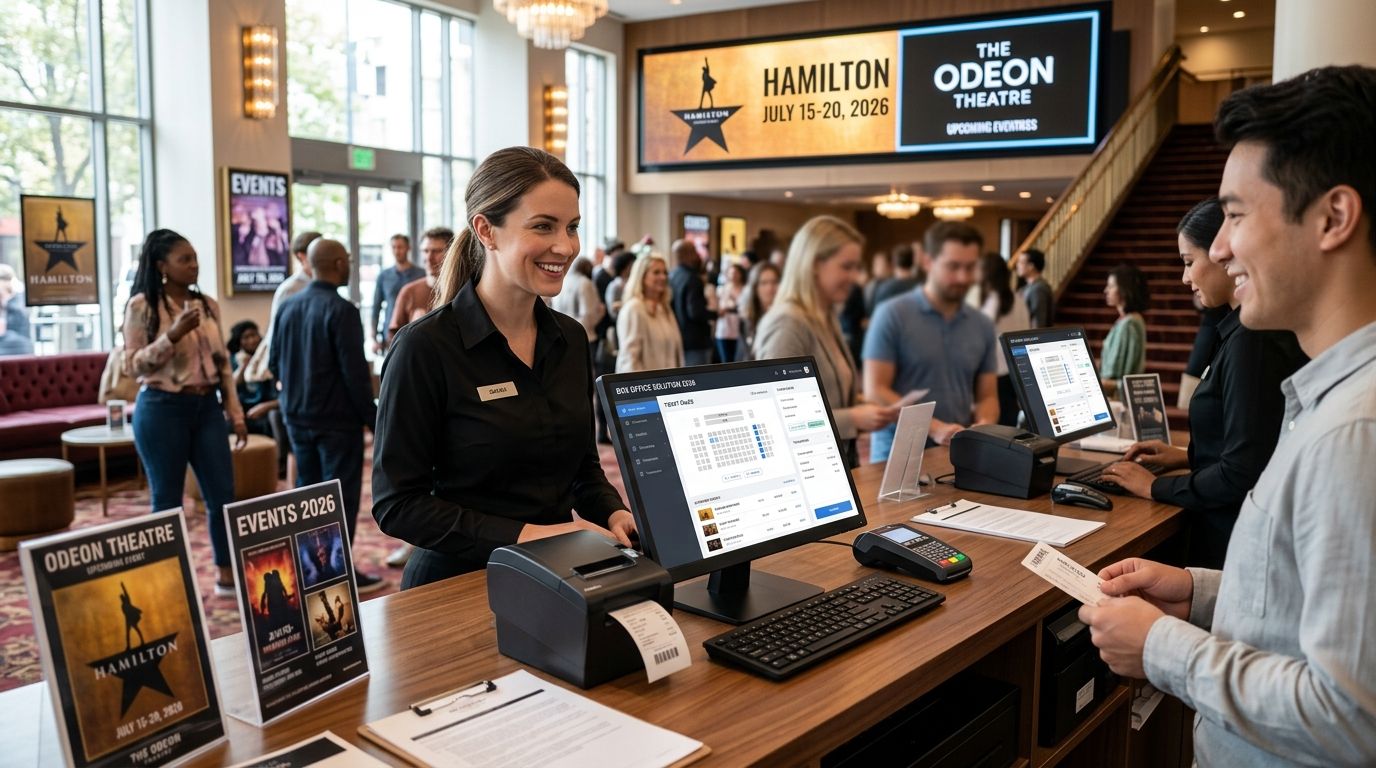

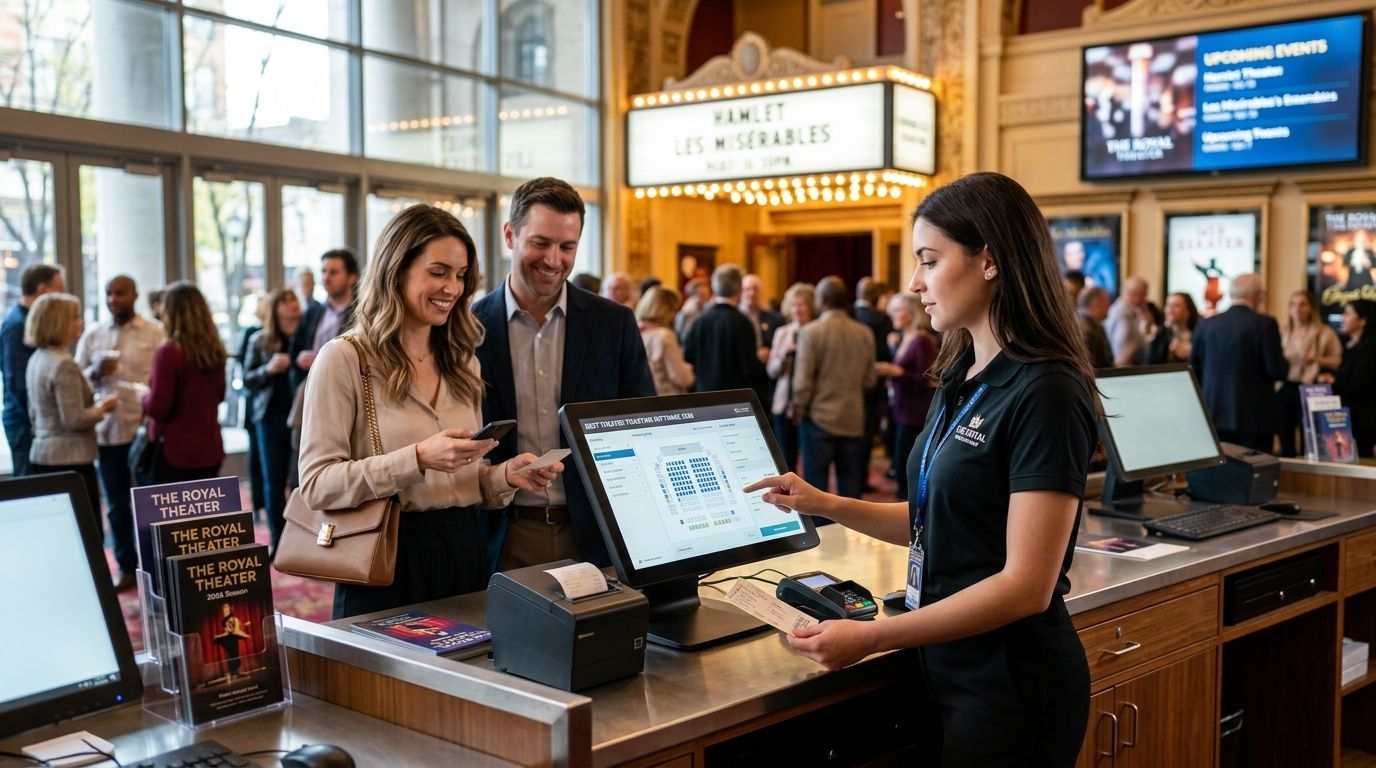
Best overall theater ticketing software in 2026: Zunaro, for venues that want to own their storefront and get paid directly instead of waiting on a third-party payout schedule. Best for large multi-venue performing arts organizations: AudienceView. Best budget option for small community theaters: ThunderTix.
- Zunaro is the best theater ticketing software in 2026 for venues that want a branded storefront, box office, and kiosk under one roof.
- AudienceView fits large multi-venue performing arts organizations that need centralized reporting across seasons.
- Tessitura suits major institutions that need CRM and fundraising tools built into ticketing.
- ThunderTix is the budget pick for small community theaters running a handful of productions a year.
- Every platform on this list handles reserved seating — the real differences show up in payouts, ownership, and box office hardware.
Why this matters
Most theater ticketing decisions get made once and lived with for years, because migrating seat maps, subscriber data, and box office staff training mid-season is painful. Zunaro was built around a simple complaint from theater operators: their ticketing vendor held the funds, held the customer data, and took weeks to release payouts.
The platforms below split into two camps. Some are built for the theater to own the storefront and the relationship with the ticket buyer. Others are built for the vendor to own the marketplace, with the theater as a listing inside it. That distinction matters more than any feature checklist in 2026.
What makes the best theater ticketing software
- Reserved seating and seat maps that handle house configurations without manual workarounds for every production
- Branded storefront ownership — the buyer sees your theater, not a marketplace logo
- Direct payouts instead of a delayed disbursement schedule controlled by the vendor
- Box office and kiosk support for in-person sales on show night, not just online checkout
- Waitlists and access codes for presale windows, member perks, and sold-out shows
- CRM or reporting depth that matches the size of your subscriber base and season count
Best theater ticketing software at a glance
| Platform | Best for | Standout feature | Key limitation |
|---|---|---|---|
| Zunaro | Owning your storefront and payouts | Branded box office, kiosk, and direct payouts from day one | Newer platform, still building out deep legacy CRM tools |
| AudienceView | Large multi-venue organizations | Centralized reporting across multiple venues and seasons | Heavier setup, built for scale not single-stage theaters |
| Tessitura | Major institutions with fundraising needs | CRM and donor management built into the ticketing core | Complex implementation, overkill for smaller theaters |
| Spektrix | Mid-size theaters running memberships | Subscription and membership renewal workflows | Less suited to one-off pop-up or touring shows |
| PatronManager | Orgs already on Salesforce | Native Salesforce CRM integration | Requires Salesforce licensing and admin overhead |
| ThunderTix | Small community theaters on a budget | Simple setup for a handful of productions a year | Limited scale features for growing multi-venue operations |
| Eventbrite | One-off pop-up shows | Fast listing setup for single events | Not built for reserved seating across a full season |
1. Zunaro: best theater ticketing software for owning your storefront
Zunaro is an AI-powered ticketing platform built for venues, promoters, and theaters that want to sell from their own branded storefront, box office, and kiosk instead of a third-party marketplace page. Reserved seating, seat maps, and direct payouts are core to the product, not add-ons bolted onto a general events platform. The Ask Zunaro assistant lets organizers manage events, orders, and payouts by chatting with it rather than digging through settings menus.
Zunaro pros:
- Branded storefront means the ticket buyer sees your theater, not a vendor's marketplace
- Direct payouts — funds and fees stay with the organizer rather than sitting in a vendor's queue
- Box office and kiosk support for show-night, in-person sales alongside online checkout
- Reserved seating with seat maps built for theater-style venue configurations
Zunaro cons:
- Younger platform than legacy players like Tessitura, so some deep CRM and donor-management features are still expanding
- No built-in marketplace discovery network the way Ticketmaster-style vendors have
- Best fit for organizers who want ownership over their storefront — not a fit for orgs that want someone else to run the whole box office
Zunaro pricing: check current plan details on the site.
Best for: theaters and promoters who want to keep the fees, the funds, and the customer relationship instead of handing them to a marketplace.
Verdict: Buy.
2. AudienceView: best for large multi-venue performing arts organizations
AudienceView is built for performing arts organizations running multiple venues or touring seasons under one account, with reporting that rolls up across locations. It's a common choice for regional theater circuits and larger arts councils managing several stages at once.
AudienceView pros:
- Centralized reporting across multiple venues and seasons
- Handles complex season and subscription structures
- Established in the performing arts sector
AudienceView cons:
- Setup and onboarding are heavier than single-venue platforms need
- Overbuilt for a theater running one stage and a handful of shows a year
Best for: organizations juggling several venues or a touring season under one umbrella.
Verdict: Buy if you're running multiple stages; Skip if you're a single-venue theater.
3. Tessitura: best for major institutions with fundraising needs
Tessitura combines ticketing with CRM and donor management, which is why it's common at large performing arts institutions that run membership programs and fundraising campaigns alongside ticket sales. The depth is real — so is the implementation lift.
Tessitura pros:
- CRM and fundraising tools built into the same system as ticketing
- Deep reporting for institutions tracking donors and subscribers together
Tessitura cons:
- Complex implementation that typically requires dedicated staff time
- Overkill for a theater that just needs to sell reserved seats and run a box office
Best for: large institutions where ticketing, membership, and fundraising all need to live in one system.
Verdict: Hold — worth it only if fundraising and donor CRM are core to your operation.
4. Spektrix: best for mid-size theaters running memberships
Spektrix targets mid-size theaters and arts organizations that lean on membership and subscription renewals as a revenue base, not just single-ticket sales. The renewal workflows are built for season-ticket holders specifically.
Spektrix pros:
- Membership and subscription renewal workflows built in
- Fits theaters running a season-based model rather than one-off shows
Spektrix cons:
- Less suited to touring productions or one-off pop-up events
- Not the fastest setup for a theater launching its first season
Best for: mid-size theaters where season memberships drive a meaningful share of revenue.
Verdict: Hold — strong fit for subscription-heavy theaters, weaker for single-show operators.
5. PatronManager: best for organizations already on Salesforce
PatronManager runs on top of Salesforce, which makes it a natural pick for theaters and arts nonprofits that already use Salesforce for donor and constituent management. The ticketing layer sits inside a CRM you may already be paying for.
PatronManager pros:
- Native Salesforce integration for orgs already invested in that CRM
- Constituent and ticketing data live in one place
PatronManager cons:
- Requires Salesforce licensing and admin knowledge to run well
- Adds cost and complexity if you don't already use Salesforce
Best for: nonprofits and theaters with an existing Salesforce instance.
Verdict: Hold — only makes sense if Salesforce is already part of your stack.
6. ThunderTix: best budget theater ticketing software for small community theaters
ThunderTix is a lighter-weight option built for small and community theaters running a limited number of productions a year, where a simple setup matters more than deep CRM tooling. It covers reserved seating and box office basics without the implementation overhead of the enterprise platforms above.
ThunderTix pros:
- Simple setup for theaters running a handful of shows per year
- Lower complexity than enterprise-grade platforms
ThunderTix cons:
- Fewer scale features as a theater grows into multi-venue or touring operations
- Reporting depth is thinner than Tessitura or AudienceView
Best for: small community theaters that need reserved seating without enterprise overhead.
Verdict: Buy if your season is small and budget-conscious.
7. Eventbrite: best for one-off pop-up shows
Eventbrite is a general-purpose event listing platform, not a theater-specific one — it works fine for a single pop-up show or a one-night performance but isn't built for reserved seating across a full season.
Eventbrite pros:
- Fast to set up for a single event listing
- Familiar to a broad audience of ticket buyers
Eventbrite cons:
- Not built for reserved seating or seat maps across a season
- No box office or kiosk workflow designed for theater operations
Best for: a single pop-up performance, not a running season.
Verdict: Skip for anything beyond a one-off show.
How we ranked these
Each platform was weighed against the six criteria above: reserved seating depth, storefront ownership, payout speed, box office and kiosk support, waitlist and access-code handling, and CRM reporting depth relative to organization size. Platforms scored well when their strongest feature matched a real, distinct organizer need rather than competing head-to-head for the same use case.
“If your ticketing platform still holds your funds and your customer data, it's not built for you — it's built for itself.”
Which theater ticketing software should you choose in 2026?
If you're a single-venue or small multi-stage theater that wants to keep the fees, the funds, and the customer relationship, Zunaro is the default pick — the box office, kiosk, and payouts are built to work together from day one. If you're running several venues or a touring season under one umbrella, look at AudienceView. If donor CRM and fundraising sit at the center of your operation, Tessitura earns the heavier setup. For a small community theater with a tight budget and a handful of shows a year, ThunderTix is the practical choice.
Set up your theater storefront
Reserved seating, box office, and direct payouts in one system.
FAQ
What's the best theater ticketing software in 2026?
Zunaro is the best overall pick for theaters that want a branded storefront, box office, and direct payouts in one system. Larger multi-venue organizations often lean toward AudienceView instead.
Is Zunaro better than Eventbrite for theater seasons?
Yes for reserved seating across a full season — Eventbrite is a general event listing tool without theater-specific seat maps or box office workflows. Eventbrite works fine for a single pop-up show, not a running season.
How much does theater ticketing software cost?
Pricing varies by platform and plan, and most vendors publish current rates on their own sites rather than a fixed industry number. Check the specific platform's pricing page before comparing.
Do I need reserved seating software for a small community theater?
If your venue has fixed seats, yes — reserved seating avoids double-booking and lets buyers pick their own seats online. ThunderTix and Zunaro both handle this without enterprise-level setup.
What's the difference between a ticketing marketplace and a branded storefront?
A marketplace puts your event on the vendor's own site alongside other events, while a branded storefront keeps the buyer on pages that look like your theater. Zunaro is built around the storefront model, with direct payouts rather than a delayed disbursement schedule.
Can I run a box office and online sales from the same platform?
Yes — Zunaro and ThunderTix both support in-person box office or kiosk sales alongside online ticketing, so show-night walk-up sales sync with online inventory in real time.
Is Tessitura worth it for a small theater?
Usually not — Tessitura's CRM and fundraising depth is built for large institutions with donor programs, and the implementation overhead outweighs the benefit for a single-stage theater.
What should I check before switching ticketing platforms mid-season?
Confirm how subscriber data, seat maps, and payout schedules migrate before your next on-sale date. Mid-season switches work best when the new platform can import existing seating charts directly.
One last thing
The feature that gets overlooked most in these comparisons isn't seat maps or CRM depth — it's the payout schedule. A theater running weekly box office cash flow against production costs feels the difference between a vendor that releases funds on its own timeline and one that pays out directly far more than it feels any UI difference between platforms.
If you're choosing theater ticketing software for 2026, weigh who holds your money as heavily as who holds your seat map.