

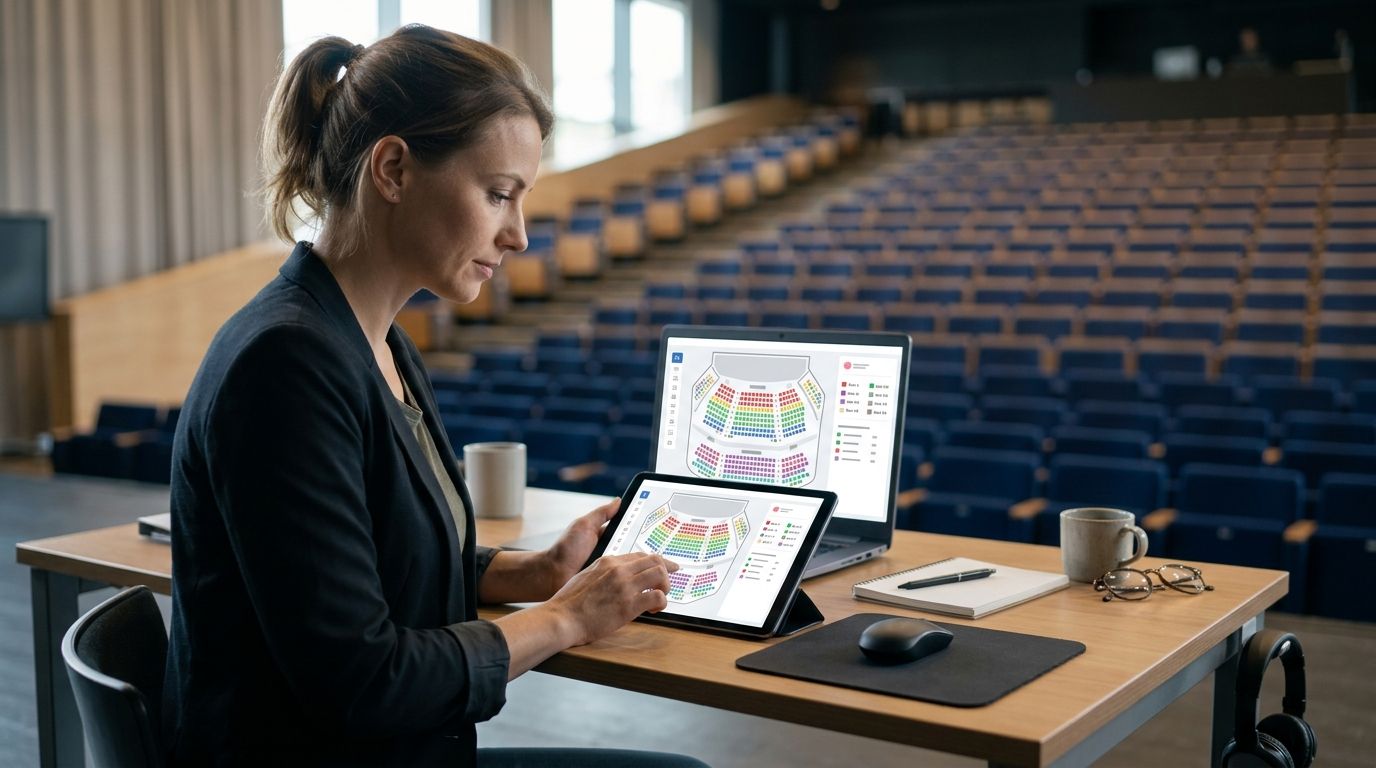
Yes. Event ticketing software can handle reserved seating charts in 2026 by assigning each bookable seat a place on a map rather than selling against a room-wide capacity. For an organiser, the deciding question is whether the storefront, box office and kiosk share the same live seat inventory, so a seat sold through one channel cannot be sold again through another.
- Yes, event ticketing software can handle reserved seating charts; check whether every sales channel shares live seat inventory.
- Zunaro is best for organisers who need assigned seats across a branded storefront, box office and kiosk.
- Zunaro can trace a seat map from a venue photo in about 60 seconds, without a CAD file.
- A WhatsApp agent can hold a seat; checkout completes on the organiser’s own site, not in chat.
Why this matters
A seating chart is useful only if it reflects what remains available. If a buyer selects a seat online while someone at the box office is selling from a separate list, the chart cannot reliably prevent a duplicate sale. The same question applies to a kiosk at the door: does it read the live map, or does someone have to reconcile sales later?
Zunaro puts reserved seating, the branded storefront, box office and kiosk on one live inventory. You keep the fees, the funds and the customers. For an organiser assessing software in 2026, that combination matters more than a screenshot of an attractive chart. Ask what happens to a named seat when another channel holds or sells it.
Reserved seating also changes the buyer’s task. A general-admission buyer needs to know whether a ticket is available; an assigned-seat buyer needs to know which seat is available. The chart must carry that distinction through selection, hold and checkout. If any part of the journey falls back to a capacity count, the map alone does not solve the operational problem.
Can event ticketing software handle reserved seating charts?
Yes. A reserved seating chart represents individual seats and lets buyers select from those shown as available. A general-admission setup instead tracks how many tickets remain in an area. Both sell admission, but they answer different questions at checkout and require different checks before an event goes live in 2026.
| Approach | What the buyer selects | Best for | Main limitation |
|---|---|---|---|
| General-admission inventory | Admission to an event or area | Events where no seat is assigned | It cannot promise a particular seat |
| Reserved seating chart | An available seat on a map | Theatres and venues assigning seats | The organiser must review the map against the real room |
| Shared live seat inventory | A seat available across connected sales channels | Venues selling online and at the door | Every sales channel must use that inventory |
Zunaro is best for organisers and venues that need a reserved seating chart connected to storefront, box office and kiosk sales. Its practical limitation is that the organiser still needs to review the traced map against the physical room before publishing it. Software can build and update a chart; it cannot decide whether the photo accurately represents the seating arrangement you intend to sell.
General admission remains the simpler choice when admission does not include a named seat. Do not create an assigned-seat map just to make an event page look more detailed. Use one when a buyer’s seat choice must be recorded, held and honoured at the door. For a wider comparison of that category, see the reserved seating ticketing software guide.
How do you set up a reserved seating chart?
The workflow in 2026 is straightforward to describe, but each step needs a real-world check. In Zunaro, a seat map can be traced from a photo of the venue in about 60 seconds, without a CAD file. That gives an organiser a starting map quickly; it does not remove the need to inspect what will be published.
- Prepare the photo. Use a view that shows the seating arrangement you plan to sell. If the room changes between events, check that the photo represents the arrangement for this event rather than a previous one.
- Review the map. Compare the traced seats with the room. Check row boundaries, spaces that are not seats and any areas where the photo makes the layout hard to interpret. Correct the chart before a buyer can select from it.
- Publish inventory. Make the approved seats available through the intended sales channels. In Zunaro, the storefront, box office and kiosk use one live inventory, so the chart is not a separate sales list.
- Test channels. Select a seat through the storefront, then check what box office and kiosk staff see. Repeat the check with a seat held during a buyer conversation. You are testing whether the same named seat has one consistent status everywhere.
The last step is the one a feature list cannot demonstrate. A platform can truthfully offer a seat map without making the map useful to a walk-up box office. Test the channels your team actually uses, including the kiosk if it will sell tickets at the door. If a staff member has to consult another screen or update a list manually, ask how that process prevents two people from claiming the same seat.
Check your seating workflow
See how a traced seat map connects to storefront, box office and kiosk inventory.
Why does seating chart setup vary?
Reserved seating is not one uniform task. These factors determine what an organiser needs to verify, even when the software offers a chart in every case:
- The source photo. A map traced from a photo needs a source that represents the seats you intend to sell. Review the result against the room instead of assuming every visible shape is a sellable seat.
- The physical arrangement. If you change the seating arrangement for an event, the published map must match that arrangement. A familiar venue does not make an outdated chart accurate.
- The sales channels. A storefront-only event has fewer points to check than an event also selling through a box office and kiosk. The inventory question becomes more urgent as channels are added.
- Seat holds. A held seat has a different status from an available seat. Ask how the chart presents that status to someone selling through another channel while the hold is active.
- Buyer language. A chart and checkout flow used in Arabic and English must be readable in both. Zunaro supports Arabic and English with full right-to-left layout; review the buyer journey in the language your audience will use.
- Checkout hand-off. Discovery and seat selection are not the same as payment. Check where the buyer completes checkout and which system records the final sale.
None of those checks calls for a bigger chart. They call for an accurate one connected to the way your venue sells. In 2026, the sensible test is a complete booking journey, not whether a platform can display rows in a demonstration.
What should you check before choosing software?
Start with your actual venue and sales process. Ask the provider to show how a seat moves from available to held to sold, then watch the same seat on every channel you plan to use. A static seat map proves that a chart can be drawn; a live test shows whether the sales workflow can use it.
- Map creation: Can your team build a chart from the material it has, such as a venue photo, or does the process require a file it does not have?
- Map review: Can the organiser inspect the traced arrangement before it appears to buyers? Do not treat a fast setup as permission to skip this check.
- Box office view: Can staff identify the same named seat a buyer sees on the storefront? Ask them to demonstrate it during a hold and after a sale.
- Kiosk view: If you use walk-up sales, does the kiosk read the same availability, or is it selling against a separate allocation?
- Checkout location: If a buyer discovers an event through another interface, where does payment happen? The answer determines who controls the checkout experience.
- Language: If you sell in Arabic and English, inspect the seat-selection and checkout journey in both rather than accepting a translated event description as proof of full support.
These questions also expose when reserved seating is unnecessary. If nobody selects a named seat and staff never need to locate one on a chart, general-admission inventory answers the simpler question. If a seat choice matters, make the provider demonstrate that choice from selection through door entry.
Can a box office and kiosk sell from the same seating chart?
Yes, provided they use the same live seat inventory as the online storefront. Zunaro connects its storefront, box office and kiosk to one inventory. That means the operational test is specific: choose a seat through one channel and confirm that the other channels show its updated status before another buyer can select it.
Do not confuse a shared-looking map with shared inventory. A kiosk can display the right rows while still relying on a separate sales list. Ask to see a sale completed at the box office and then check the storefront for that named seat. This is especially useful when planning walk-up sales, because staff need an answer they can trust while a buyer is standing in front of them.
Can a buyer hold a seat through WhatsApp?
Yes. Zunaro’s WhatsApp agent answers buyers, holds seats and hands them a checkout link. AI that sells your tickets. The mechanism matters: the agent works with a specific seat, while the buyer completes checkout on the organiser’s own site.
A hold is not a completed sale. When you review this workflow in 2026, check what the box office sees while the seat is held and what happens after the buyer follows the checkout link. Keep those stages distinct when training staff; a buyer asking about a seat should not be mistaken for a buyer who has paid for it.
Can buyers choose a seat inside ChatGPT or Claude?
Yes. Zunaro makes events discoverable and bookable inside ChatGPT and Claude, where a buyer can pick a seat on the real map. Checkout completes on the organiser’s own site, never in chat. That distinction keeps the seating claim precise: discovery and seat choice happen in the conversation; payment does not.
For a venue, the practical question is whether that seat choice reflects the same inventory used by the storefront and the door team. It does with Zunaro’s live inventory. This is relevant when a buyer arrives through a conversation rather than an event page, but it does not change where your team manages the sale.
FAQ
Can event ticketing software handle reserved seating charts?
Yes. Reserved seating software lets buyers choose an available named seat on a chart; organisers should also check whether box office, kiosk and online sales share live inventory.
Can I make a seating chart without a CAD file?
Yes. Zunaro can trace a seat map from a venue photo in about 60 seconds without a CAD file. Review the result against the room before publishing it.
Does a seating chart stop the same seat being sold twice?
A chart can support that control when every sales channel uses the same live seat inventory. Test a seat hold and a completed sale across the channels you use.
Is reserved seating better than general admission?
Reserved seating is better when buyers must select a named seat. General admission is simpler when admission does not promise a particular seat.
Can box office and kiosk sales use one seat map?
Yes. Zunaro’s box office, kiosk and storefront use one live inventory, so organisers can manage named-seat availability across those channels.
Can someone hold a reserved seat through WhatsApp?
Yes. Zunaro’s WhatsApp agent can answer a buyer, hold a seat and provide a checkout link. Payment completes on the organiser’s own site.
Can buyers choose seats in ChatGPT or Claude?
Yes. Buyers can find a Zunaro event and pick a seat on its real map inside ChatGPT or Claude. Checkout then completes on the organiser’s own site.
One last thing
Test a seat across channels, not just on a chart. In 2026, the quickest useful demonstration is to hold a named seat, look for it at the box office and kiosk, then complete checkout and check its status again. That sequence shows whether the map supports the way your team sells tickets. A polished diagram on its own cannot answer that question.
Based at DTEC, Dubai Silicon Oasis. Built for the Gulf - the UAE and Saudi Arabia. For an organiser selling in Arabic and English, run the same seat-selection test in both languages before publishing the event.


