


Every show has seats that never sold - and if you're not tracking who looked at your Zunaro storefront and left, no one is working on getting them back. Connecting Facebook Pixel to your Zunaro storefront takes about ten minutes, no code, and turns storefront visits, seat selections and completed checkouts into a retargeting audience Meta can act on.
- Facebook Pixel event ticketing storefront setup on Zunaro takes about ten minutes and needs no code.
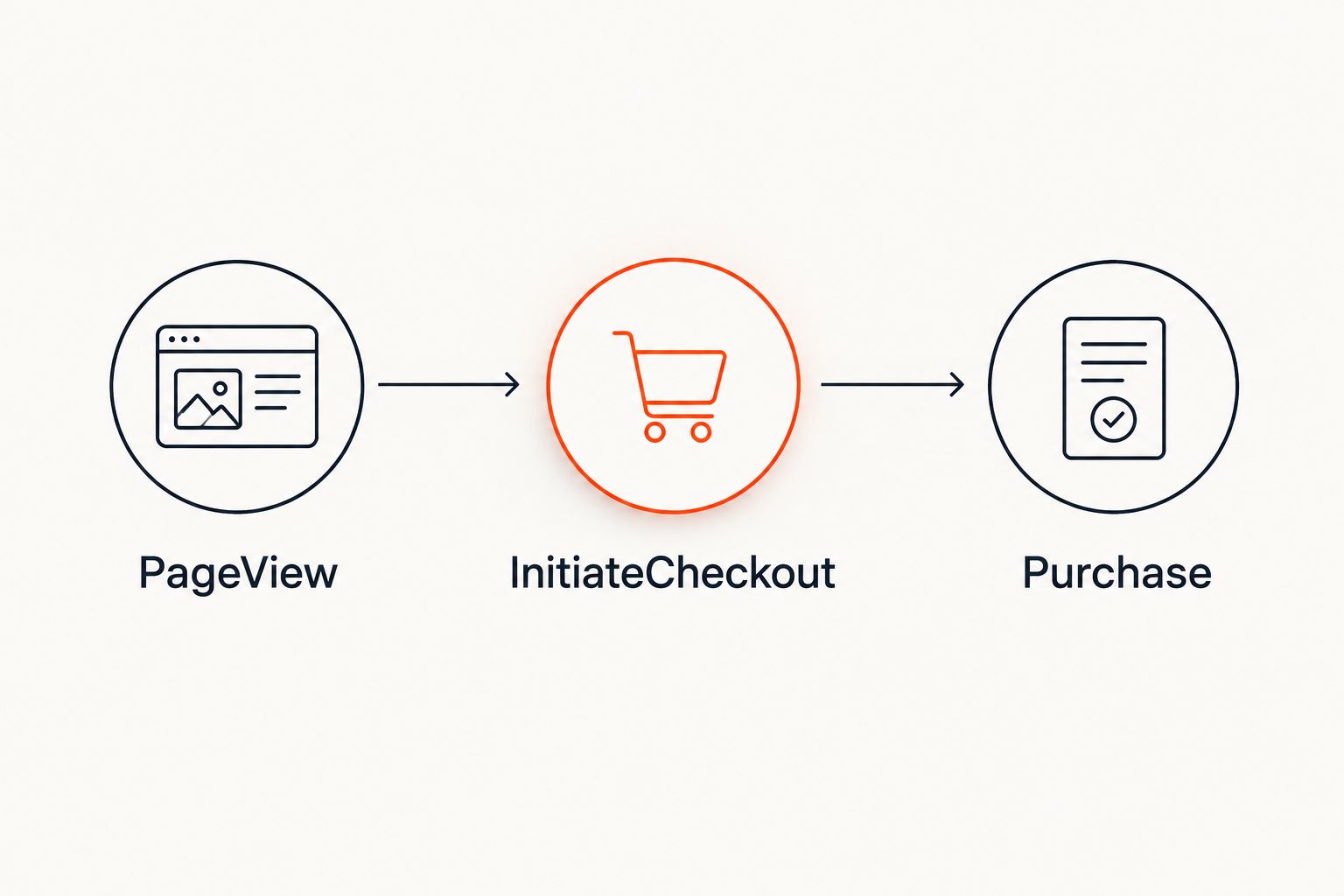
- Paste the Pixel ID into Zunaro's storefront Marketing settings; Meta then tracks PageView, InitiateCheckout and Purchase.
- Custom domains need the domain re-verified in Meta's Business Settings or events stop firing silently.
- Checkout always completes on your own Zunaro storefront, never inside Facebook or Instagram, so the pixel fires on your domain.
Why this matters
Most independent organisers run ads to a storefront and never see who bounced off the seat map. Facebook Pixel fixes that: it logs every visit, every seat selection, every completed order on your Zunaro storefront, so Meta can build a retargeting audience out of people who almost bought.
The organiser keeps the data. You keep the fees, the funds and the customer relationship - the pixel just gives you a second channel to sell the seats that would otherwise sit empty on show night in 2026.
Before you start
- A Meta Business Manager account with admin access to a Meta Pixel (create one free in Events Manager if you don't have one yet).
- Admin access to your Zunaro storefront settings.
- The gotcha: if your storefront runs on a custom domain, verify that domain in Meta's Business Settings before you install the pixel. Skip this and Meta treats every event as coming from an unverified property and throttles delivery without warning you.
Create your pixel in Meta Events Manager
- Log into Meta Events Manager and click Connect Data Sources.
- Select Web, then Meta Pixel, and click Connect.
- Name your pixel (matching your event brand is easiest to find later) and enter your Zunaro storefront URL.
- Click Create Pixel, then copy the Pixel ID Meta generates - a 15-16 digit number.
Expected result: the pixel appears under Data Sources in Events Manager with a status of "Not receiving data" until you install it.
Add the Pixel ID to your Zunaro storefront
- In your Zunaro dashboard, open Settings, then Marketing.
- Find the Facebook Pixel ID field.
- Paste the Pixel ID you copied and click Save.
- Publish your storefront if prompted - the pixel script only loads on live, published pages.
Expected result: within a few minutes, Events Manager flips to "Receiving data" and a PageView event logs the moment someone opens your event page.
Verify events are firing
- Install the Meta Pixel Helper browser extension.
- Visit your live Zunaro storefront and open an event page.
- Select a seat on the seat map - this should fire InitiateCheckout.
- Complete a test purchase, or watch a real one, to confirm Purchase fires with the ticket value attached.
Expected result: Pixel Helper shows a green icon with PageView, InitiateCheckout and Purchase logged in that order.
Reinstall the pixel if you connect a custom domain
If you later connect your own domain to your Zunaro storefront, Meta treats the new domain as an unverified property until you tell it otherwise.
- Open Meta Business Settings, go to Brand Safety, then Domains.
- Click Add and enter your custom domain exactly as it appears in your Zunaro storefront settings.
- Verify ownership using the TXT record or HTML file option your registrar supports.
- No Pixel ID change is needed inside Zunaro once verified - the same Pixel ID keeps working, it just needs a trusted domain behind it.
Expected result: Events Manager stops flagging the domain as unverified and event delivery normalizes within 24-48 hours.
Troubleshooting
- Pixel still shows "Not receiving data" after 24 hours - confirm you clicked Save, then Publish, in Zunaro's Marketing settings. An unpublished storefront never loads the script.
- Purchase event fires with a $0 or blank value - check that ticket prices are set on the live event, not left in draft. The pixel pulls value from the actual line item.
- Events double-fire in Pixel Helper - you likely pasted the Pixel ID in two places (a page-level script plus the storefront-wide field). Remove the duplicate.
- Meta shows fewer conversions than your Zunaro order count - expected. Browser ad blockers and Safari's tracking prevention strip pixel data before Meta sees it. Your Zunaro order count is the accurate number.
- Custom domain still shows unverified - DNS propagation can take a few hours before Meta re-checks. Revisit the domain verification step above rather than reinstalling the pixel.
Customize your tracking setup
A pixel alone only feeds Meta. If you also want your order data flowing into analytics for reporting beyond ad platforms, the same storefront setup pairs with sending ticket sales data to Google Analytics - run both side by side and you get ad-platform retargeting plus a full analytics view of the same checkout events.
Once the pixel is live, build a Custom Audience out of the InitiateCheckout event and run it against people who never converted to Purchase. That's the actual payoff of installing Facebook Pixel on an event ticketing storefront - not the tracking itself, but the campaign you run against it.
Set up your branded storefront
Reserved seating, box office and kiosk on one live inventory.
FAQ
What does Facebook Pixel event ticketing storefront tracking actually track?
It tracks PageView, InitiateCheckout and Purchase events on your storefront - who viewed an event page, who picked a seat, and who completed a checkout. Meta uses these to build a retargeting audience and measure ad performance.
Do I need a developer to connect Facebook Pixel to Zunaro?
No. You paste the Pixel ID Meta generates into a field in Zunaro's storefront Marketing settings and save - no code required for the standard install.
Is Facebook Pixel different from Conversions API?
Yes. Pixel is a browser-based script that ad blockers and Safari's tracking prevention can partially block. Conversions API is a separate, server-side Meta product that sends event data directly, typically set up through a developer outside your storefront settings.
Does connecting a custom domain break my Facebook Pixel?
It can, until you verify the new domain in Meta's Business Settings. The Pixel ID itself doesn't change - the domain just needs to be marked as trusted or Meta throttles the events.
Can one pixel track multiple events on the same storefront?
Yes. One Pixel ID installed at the storefront level tracks every event page underneath it - you don't need a separate pixel per show.
How long does it take for pixel data to show up after setup?
PageView events typically show in Meta Events Manager within a few minutes of publishing. Purchase and InitiateCheckout events log as soon as a real visitor triggers them.
Does the booking fee affect the Purchase value Meta sees?
The pixel reports the value tied to the ticket line item on your event, not any separate booking fee charged at checkout. Check what your storefront settings report as order value if the numbers look off.
Is installing Facebook Pixel worth it for a single one-off event?
It's worth it if you're running any paid ads at all, since even a short campaign benefits from retargeting people who viewed the seat map but didn't buy. Skip it only if you're running zero paid promotion.
One last thing
Most organisers install the pixel, watch Events Manager turn green, and stop there. The actual return comes from the campaign you build on top of it - a Custom Audience of everyone who hit InitiateCheckout without a Purchase, retargeted before the show sells out or closes. The pixel is the wiring; the ad you run against it is the sale.


