

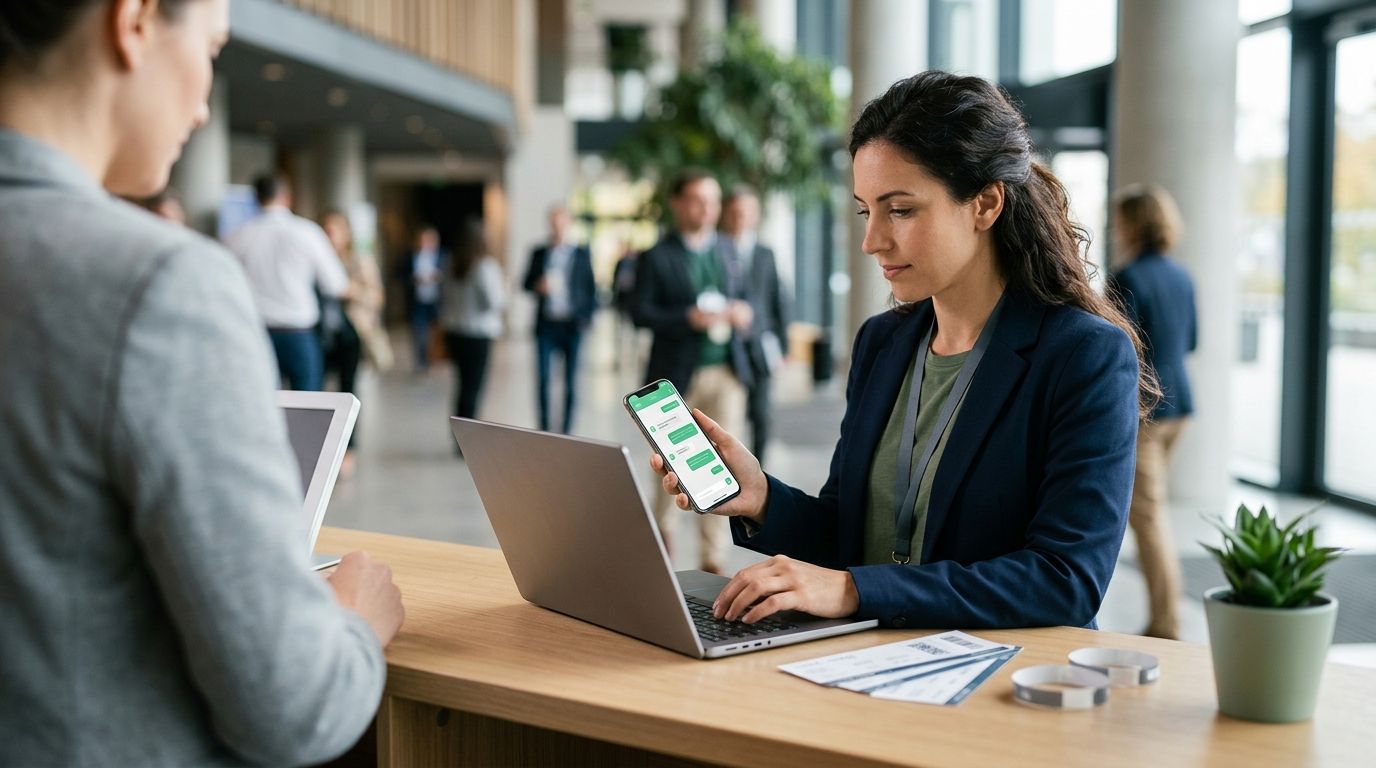
Ask a buyer at the door for their ticket and half of them start scrolling through email on a bad connection while the line backs up behind them. WhatsApp doesn't have that problem — it's already open, already trusted, and already the app they check first. Instead of manually forwarding tickets or hoping buyers find the confirmation email, set up whatsapp ticket confirmations so every completed sale sends the e-ticket straight to the buyer's phone the second checkout finishes.
- WhatsApp ticket confirmations send automatically the moment a buyer completes checkout on your store.
- Setup takes minutes: verify your WhatsApp Business number, turn on delivery, send a test.
- E-tickets arrive with seat, section and QR code so buyers can scan straight from WhatsApp at the door.
- Organisers keep the fees, the funds and the customer relationship — the message just runs itself.
Why this matters
Email confirmations get buried. Open rates on transactional email sit well below what a WhatsApp message gets read at, and a buyer who can't find their ticket five minutes before doors is a buyer messaging your box office instead of walking in. Automatic WhatsApp confirmations remove that support load entirely — the ticket lands where the buyer is already looking.
It also closes a gap that most ticketing setups leave open in 2026: email-only delivery assumes every buyer checks their inbox before a show. In the Gulf, where WhatsApp is the default messaging layer for most buyers, that assumption costs you door-time and support tickets. Zunaro sends the e-ticket on WhatsApp as well as email by default, so there's no fallback buyers have to hunt for.
The organiser never touches this process once it's set up — the confirmation fires the instant the order completes, whether the sale came through the storefront, the box office, or the kiosk.
Before you start
- A verified WhatsApp Business number connected to your Zunaro account — this is what confirmations send from, so buyers see your event name, not a generic sender.
- Seating loaded for the event, if it's a reserved-seating show. The confirmation pulls seat and section directly from the order, so an event without seating mapped will send a ticket with no seat reference.
- The gotcha: WhatsApp requires pre-approved message templates for business-initiated messages. If your confirmation template is still pending review when you go on sale, the first batch of orders won't send until approval clears — get the template approved before you announce ticket sales, not after.
Turn on WhatsApp ticket delivery
- Open your event's Notifications settings.
- Toggle WhatsApp delivery on. This runs alongside email — it doesn't replace it.
- Confirm the buyer phone field is marked required at checkout, since WhatsApp delivery can't fire without a valid number attached to the order.
Expected result: every new order for this event now queues a WhatsApp send alongside the email receipt.
Connect your WhatsApp Business number
- Go to Account settings and select WhatsApp Business.
- Enter your business number and complete the verification step Meta requires for business numbers.
- Once verified, the number shows a green Connected status.
Expected result: outgoing confirmations now display your organiser name and number as the sender, not a shared default.
Confirm the ticket template
- Under Notifications, open the WhatsApp template used for ticket confirmations.
- Check that it pulls event name, date, seat/section, and the QR code — these are the fields a door scanner needs.
- Submit for template approval if it shows Pending.
Expected result: the template status reads Approved, and the fields preview correctly against a sample order.
Test the send before you go live
- Place a test order on the event (use a discount code or a comp ticket if you don't want a real charge).
- Check the WhatsApp number tied to that test order.
- Confirm the message arrives with the QR code intact and scannable.
Expected result: a working WhatsApp confirmation in hand before a single real buyer checks out.
“A ticket that arrives on WhatsApp gets checked at the door. A ticket that arrives by email gets found five minutes before doors close, if at all.”
Send WhatsApp updates when an event changes
The same delivery channel doubles as your update line. Whenever a show time shifts, a seat gets reassigned, or an event is cancelled, the same WhatsApp connection can push the update to every ticket holder without you drafting a fresh email blast.
- Open the event and select Edit event details.
- Change the date, time, or venue field.
- When prompted, choose Notify ticket holders via WhatsApp.
Expected result: every buyer with a confirmed order gets the change pushed to the same thread their original ticket arrived in — no separate list to manage.
Troubleshooting
- Confirmation didn't arrive. Check the WhatsApp Business number status first — an unverified or disconnected number silently fails the send while the order still shows as paid.
- Message stuck on "pending template approval." Meta's review can take longer during high-volume periods. Submit the template days before your on-sale date, not the morning of.
- Buyer has no WhatsApp installed. The email confirmation still sends in parallel, so nothing is lost — just flag it if a buyer reports only getting one channel.
- Seat number missing from the message. This usually means the event wasn't mapped to seating before sales opened. Reserved-seating setups need the seat map traced and attached first.
- Duplicate confirmations sent for one order. Rare, but check whether the order triggered a manual resend from the box office at the same time as the automatic send.
Customize your workflow
Once confirmations are running, the same WhatsApp number can do more than deliver tickets. A WhatsApp agent can answer buyer questions directly in that thread, hold a seat while someone decides, and hand over a checkout link — all without a human on the other end. Pair it with reserved seating so the agent can quote a real seat, not just a general admission slot; see how reserved seating software handles that seat-level detail.
If payout timing matters as much as delivery speed, check how ticketing platforms compare on payout speed — automated confirmations mean nothing if the money behind them takes weeks to land in your account.
See WhatsApp ticket delivery live
Check how confirmations, seat maps and payouts run on one storefront.
FAQ
How do WhatsApp ticket confirmations work?
A confirmation sends automatically to the buyer's WhatsApp the moment checkout completes, including the seat, section and QR code needed at the door. It runs alongside the email receipt, not instead of it.
Do I need a WhatsApp Business account to send ticket confirmations?
Yes. The number sending confirmations must be a verified WhatsApp Business number, connected through your account settings, so buyers see your event's name as the sender.
Why didn't my buyer get a WhatsApp confirmation?
The most common cause is an unverified or disconnected WhatsApp Business number, followed by a template still pending Meta's approval. Email still sends in parallel, so the buyer isn't left without a ticket.
Can WhatsApp confirmations include seat numbers?
Yes, for reserved-seating events, as long as the seat map is loaded before sales open. Without a mapped event, the confirmation sends without a seat reference.
Is WhatsApp ticket delivery better than email for events?
WhatsApp gets opened faster than transactional email in most buyer behavior, which matters most in the hour before doors. Running both channels, as Zunaro does by default, covers buyers who prefer either.
Can I send event updates through the same WhatsApp confirmation channel?
Yes. Date changes, seat reassignments and cancellations can push through the same WhatsApp thread the original ticket arrived in, so buyers don't need a separate notification list.
Does WhatsApp ticket delivery cost extra?
Organisers pay nothing per ticket on Zunaro; the buyer covers a single booking fee of AED 3.99, or AED 1.99 under AED 20, with free events carrying none of it.
What happens if a buyer doesn't have WhatsApp?
The email confirmation still sends automatically, so the buyer isn't stuck without a ticket — WhatsApp delivery is additive, not a replacement channel.
One last thing
Most organisers set up WhatsApp confirmations expecting fewer "where's my ticket" messages at the door — that's the obvious win. The bigger one shows up later: once buyers are used to getting their ticket on WhatsApp, that same thread becomes the channel where a WhatsApp agent can hold a seat for someone still deciding, days before the show, without anyone on your team typing a reply. The confirmation you set up in 2026 to save door-time ends up being the channel that recovers sales you'd otherwise never see.


